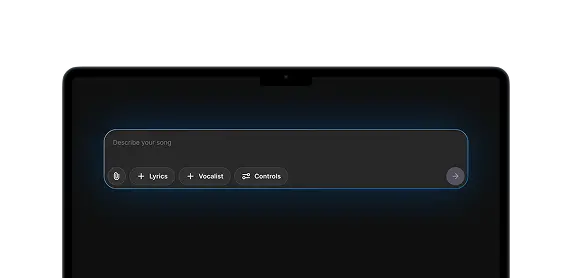
Co-Producer

“Give it an R&B blues guitar vibe”
“Make it acoustic”
“Turn this into pop punk”
“Make it reggaeton”
“Turn this into deep house”
“Make it jazzy funky disco”
“Turn this into deep house”
“Make it R&B pop”
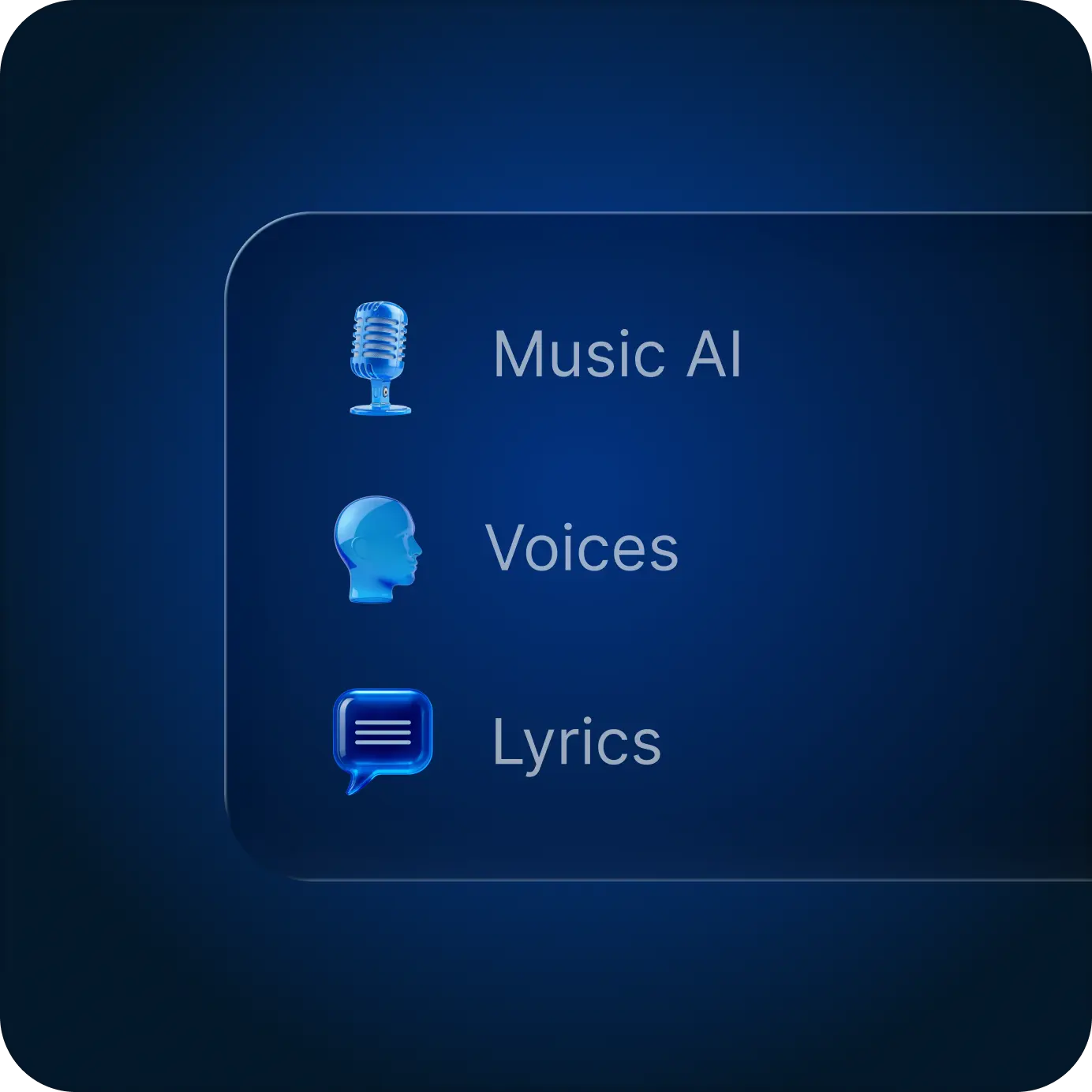
All-In-One
Lyrics, Vocalist, Music, all connected. No more tab-hopping or re-uploading
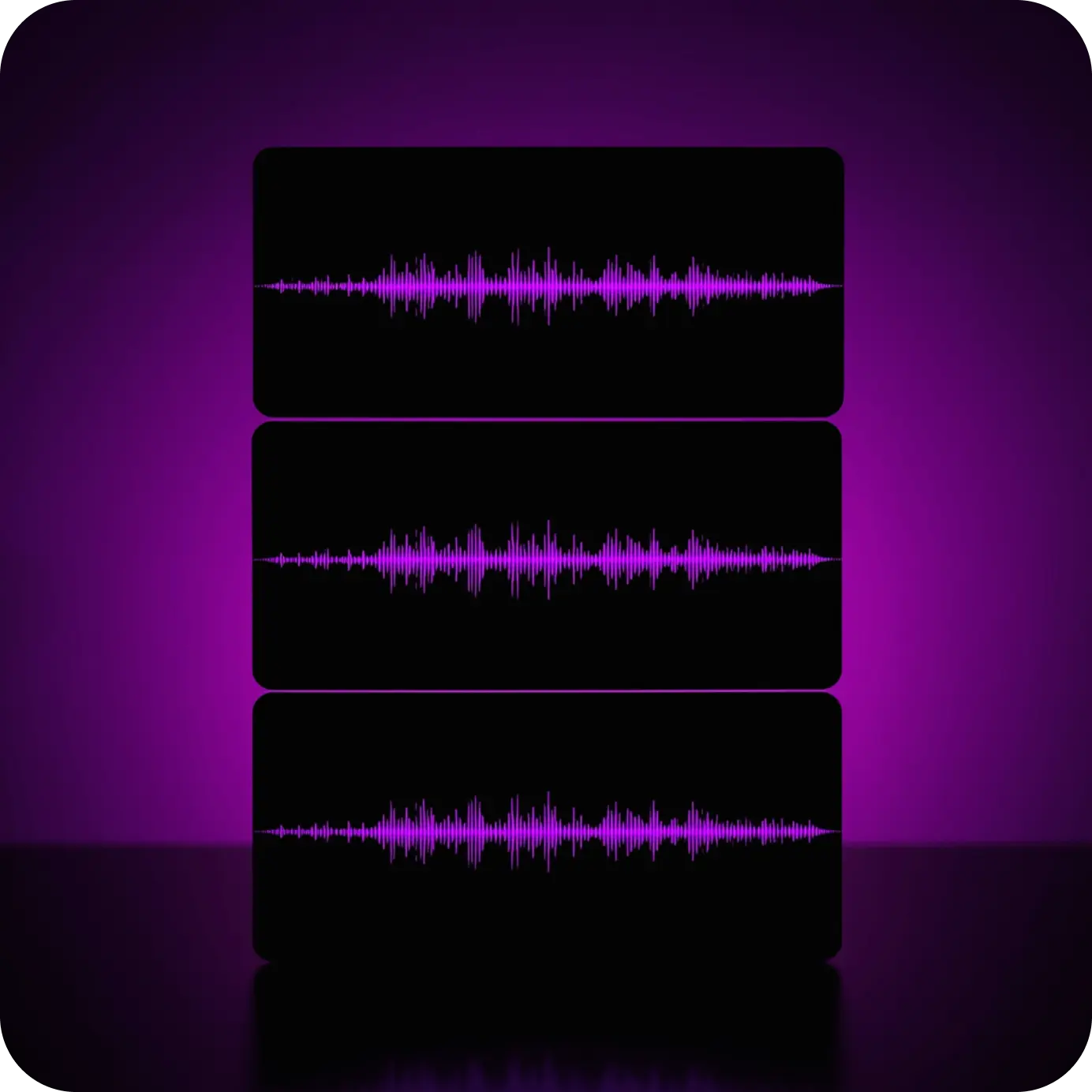
AI Reimagine
Upload your track. Get professional variations in seconds, perfect for ideas or brainstorming.
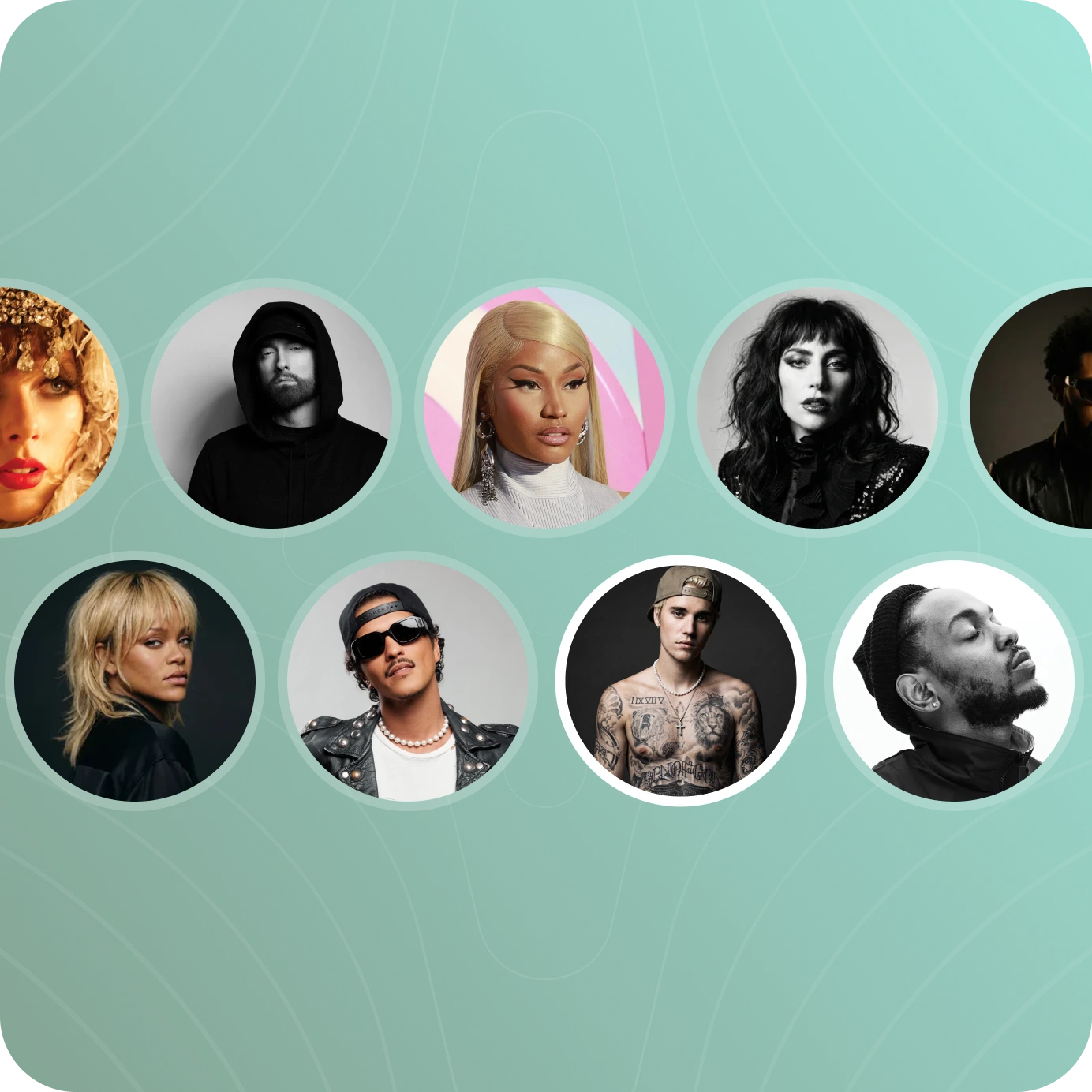
1,800+ Vocalists
From breathy pop to gritty rock. Find the perfect vocalist for your track.
Built for anyone who makes music
How it works
STEP 1
Start from Scratch or Upload a Track
Start with a prompt and shape something entirely new. Choose the vocalist, add your lyrics, and build it your way. Or upload your own track and the tool adapts, working alongside you to refine and develop what you're already creating.
STEP 2
Remix It or Extend It
Upload a track and the tool adapts automatically. Choose to remix it or extend it, and it works alongside you as your co-producer.
STEP 3
Bring Your Vision to Life
Share your vision and reimagine the track in a new way. Change the style, swap the voice, rewrite the lyrics, or take it in a completely different direction.
STEP 4
1800+ Vocalists
Select from over 1800 voices, including exclusive Lalals Originals recorded in studio. Your chosen vocalist sings your lyrics on your track, offering a fresh take that can reshape the direction of your song.
STEP 5
Drag It Back In. Keep Building.
Every track you generate appears in the panel on the right. Right click to save it to your Workspace, or drag it back into the prompt to keep building from where you left off. Found a direction you like? Take it further. The tool doesn't reset your progress. It builds on it.

3000+
AI voices
3.2M+
Active users
5.1M+
Songs created

FAQs
All you need to know about Lalals and billing.
From Our Blog

Lalals' Original AI Singing Voices: Six From the Library to Know
May 27, 2026
A look at Lalals' Original AI singing voice library: how it differs from artist-inspired voices, six standout voices to know by name and sound, and how to use them with Voice Changer or AI Cover.

How to Write Rap Lyrics with AI Without Sounding Like AI
May 25, 2026
A step-by-step method for using a general AI like Claude or ChatGPT as a real co-writer for rap lyrics, avoiding the generic, robotic output of typical AI lyric generators by feeding it structured personal material instead of a single vague prompt.

AI Sample Pack Prompts: How to Generate Loops, One-Shots & SFX
May 20, 2026
Skip pre-made sample libraries. Learn exactly what to type to generate custom loops, one-shots, and SFX with AI genre-by-genre prompts included.